Gmail collaborative inbox
Use a Google Group as a collaborative inbox to share, assign and track email for your service desk, sales team or projects in Google Workspace.
· Updated · 1 min read
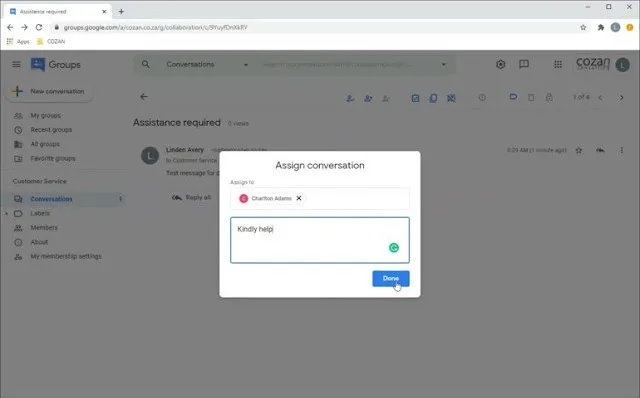
With the correct permission settings, team members can:
- See and respond to messages sent to the group address.
- Assign responsibility for conversations to team members.
- Set a resolved status for conversations: complete, duplicate or no action needed.
- Search for conversations by resolution status, label or assignee.
Everyday uses for collaborative inboxes
- Customer service desk: team members can assign messages to each other and track the status of a query (complete, duplicate or no action needed).
- Sales desk: when more than one person answers and follows up on new sales enquiries (like leads from your website), a collaborative inbox gives you a simple way to track, assign and search for messages.
- Ad hoc projects: create a group address to centralise communication for your project and team.
All Google Workspace subscribers have access to the new collaborative inbox. New features include:
- Advanced search, including conversation status.
- Filtering, including quick filters for conversation status, or to find conversations assigned to yourself, to others or not yet assigned.