How to use Gmail templates
Stop retyping the same emails. Gmail templates let you save frequently used responses, reuse them in a click and even send them automatically with filters.
· Updated · 1 min read
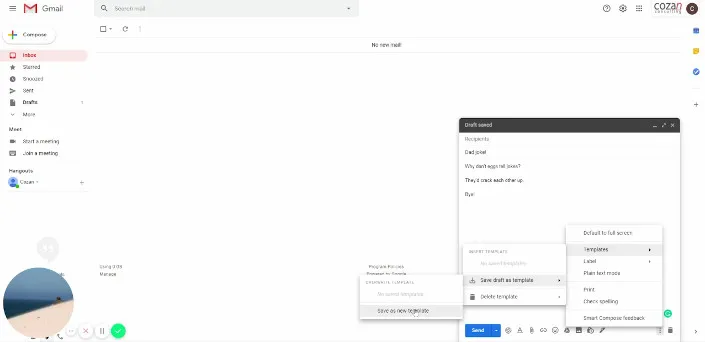
If you send the same email again and again, save it as a template. Gmail’s “Templates” setting lets you store up to 50 of them and insert one into a new email or reply in two clicks.
This short video shows how:
You can also set up a filter (an inbox rule) that replies with a template automatically when an email matches certain conditions.
To create, edit, insert and automate templates, follow Google’s help article on templates.